Setup CloudFormation
This section will go into the steps to deploy an application applying the knowledge introduced in the above section.
Prerequisites
-
On the machine you have installed the AWS CLI and configured the connection with an IAM user with sufficient rights.
-
Use the following Github Repo templates: Github link
Application Architecture

The application will be divided into 2 large stacks: VPC and ECS. The goal of separating the independent VPC from the ECS cluster is to be able to expand the design for other services sharing the same VPC. CloudFormation Stack has the feature of sharing resource information so that other Stack can share it. For example in this article, ECS Stack will use the PrivateSubnets and VpcId parameters from the VPC Stack to create resources.
Steps to install the application:
- Initialize VPC stack To proceed with creating a VPC stack, launch the command in terminal:
aws cloudformation create-stack \
  --stack-name ws2-vpc \
  --template-body file://./vpc.yml \
  --parameters ParameterKey=EnvironmentName,ParameterValue=ws2-vpc
The result returned from the terminal is as follows and you can see a Stack created on CloudFormation Console.
{
    "StackId": "arn:aws:cloudformation:us-east-1:471112666427:stack/ws2-vpc/fff8ced0-e4ba-11ee-aeef-0affc807a469"
}
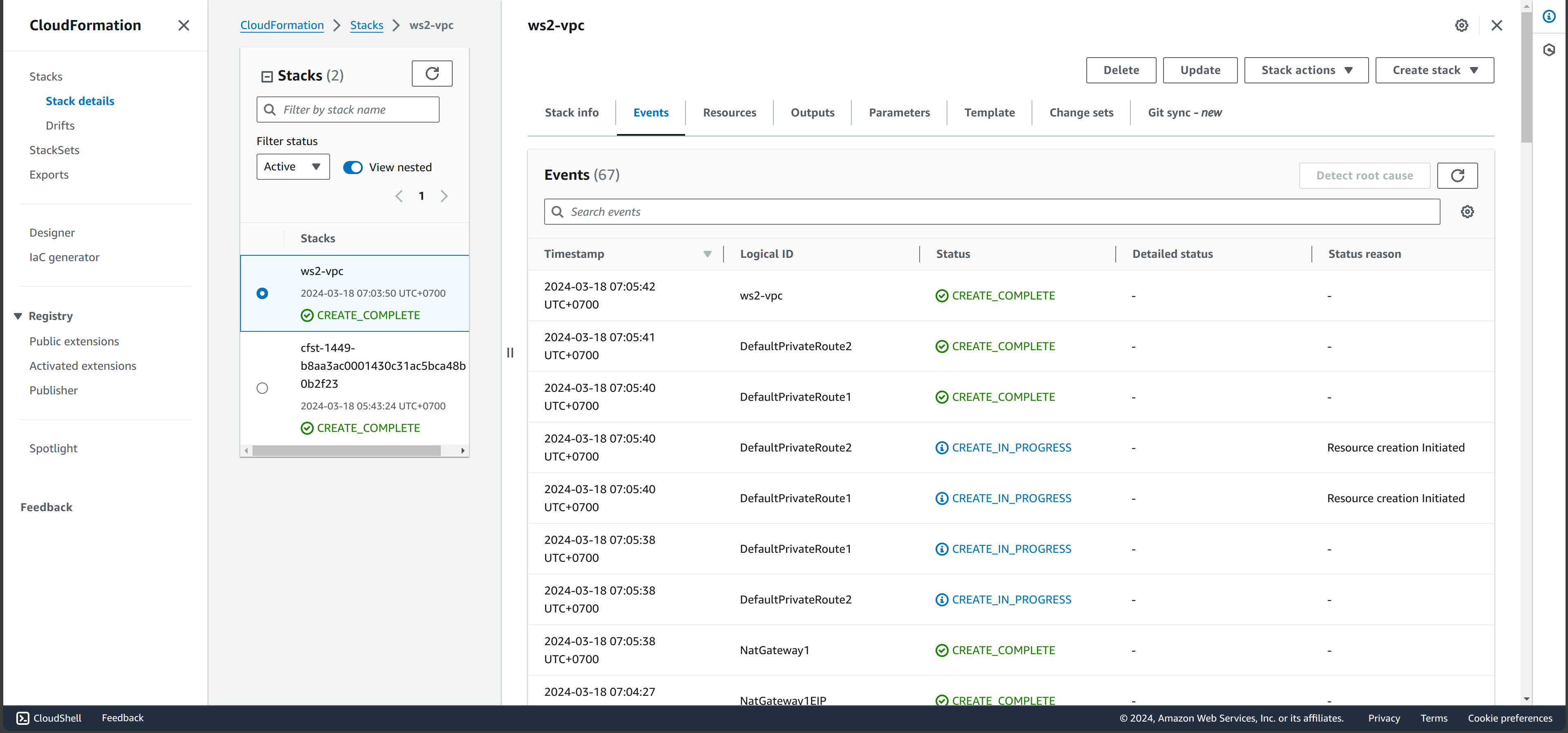
Additionally, you can change the default information of the VPC stack by adding the --parameters option. Parameters that can be changed are listed in the Parameters section, including: VpcCIDR, PublicSubnet1CIDR, PublicSubnet2CIDR, PrivateSubnet1CIDR, PrivateSubnet2CIDR
Parameters:
  EnvironmentName:
    Description: An environment name that is prefixed to resource names
    Type: String
  VpcCIDR:
    Description: Please enter the IP range (CIDR notation) for this VPC
    Type: String
    Default: 10.192.0.0/16
  PublicSubnet1CIDR:
    Description: Please enter the IP range (CIDR notation) for the public subnet in the first Availability Zone
    Type: String
    Default: 10.192.10.0/24
  PublicSubnet2CIDR:
    Description: Please enter the IP range (CIDR notation) for the public subnet in the second Availability Zone
    Type: String
    Default: 10.192.11.0/24
  PrivateSubnet1CIDR:
    Description: Please enter the IP range (CIDR notation) for the private subnet in the first Availability Zone
    Type: String
    Default: 10.192.20.0/24
  PrivateSubnet2CIDR:
    Description: Please enter the IP range (CIDR notation) for the private subnet in the second Availability Zone
    Type: String
    Default: 10.192.21.0/24
- Create an S3 bucket to save templates.
For step 1, because VPC Stack is independent and only needs 1 template file, it can be linked directly from the local file. But ECS consists of multiple nested stacks and CloudFormation needs to know the path to those templates using the TemplateURL parameter. Therefore, it is necessary to create an S3 bucket to store templates before creating CloudFormation.
To quickly upload the template file to S3, we will use the command to sync the current working directory to the s3 Bucket
S3_STACK_BUCKET=ws2-s3
aws s3 sync . s3://$S3_STACK_BUCKET/ --exclude ".git/*"
- After uploading the templates to s3, we can create an ECS task with the command:
STACK_NAME=ws2-ecs
S3_STACK_BUCKET=ws2-s3

# Create CF stack
aws cloudformation create-stack --stack-name $STACK_NAME \
    --template-url https://$S3_STACK_BUCKET.s3.amazonaws.com/main.yml \
    --capabilities CAPABILITY_IAM
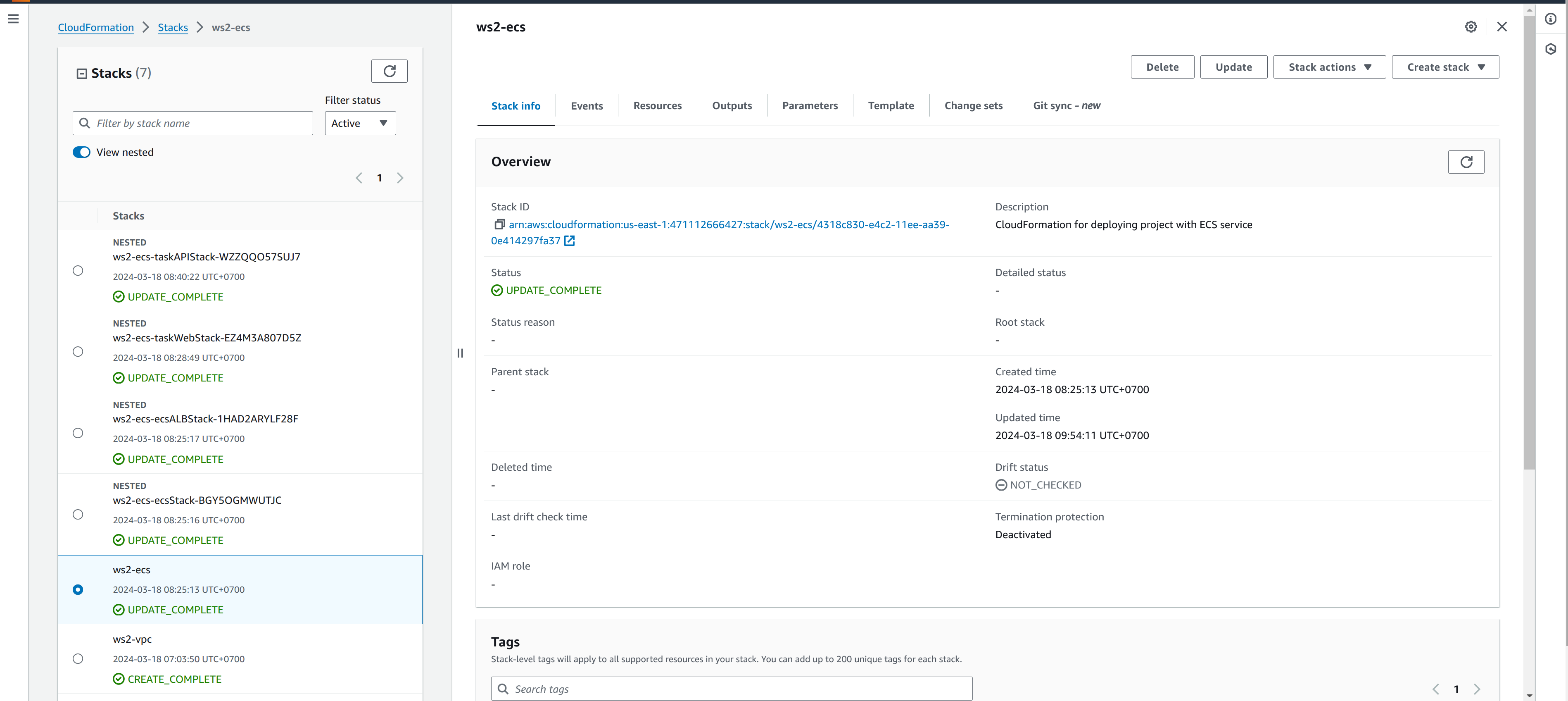
The result in Console: